 Cosmil
If you’re coming from Windows, this feels impossible: right-click → New → text document is pure reflex, and Finder simply doesn’t have it — not in the File menu, not in the right-click menu, not behind a modifier key. New Folder and nothing else. Here’s every real way around it, fastest first.
The two-second Terminal habit#
The touch command creates an empty file with any name and extension:
touch notes.mdSeveral at once, any types:
touch todo.txt config.json draft.htmlThe friction is getting Terminal into the folder you’re browsing. Two decent options:
- Drag the folder from Finder onto the Terminal icon in your Dock — a window opens already
cd‘d there. - Enable Finder’s built-in service: System Settings → Keyboard → Keyboard Shortcuts → Services → New Terminal at Folder. It then appears when you right-click a folder.
Fast and scriptable, but it pulls you out of the window you were working in every single time.
Give Finder a right-click “New File”#
With about three minutes in Automator (it ships with macOS), you can graft the missing menu item on yourself:
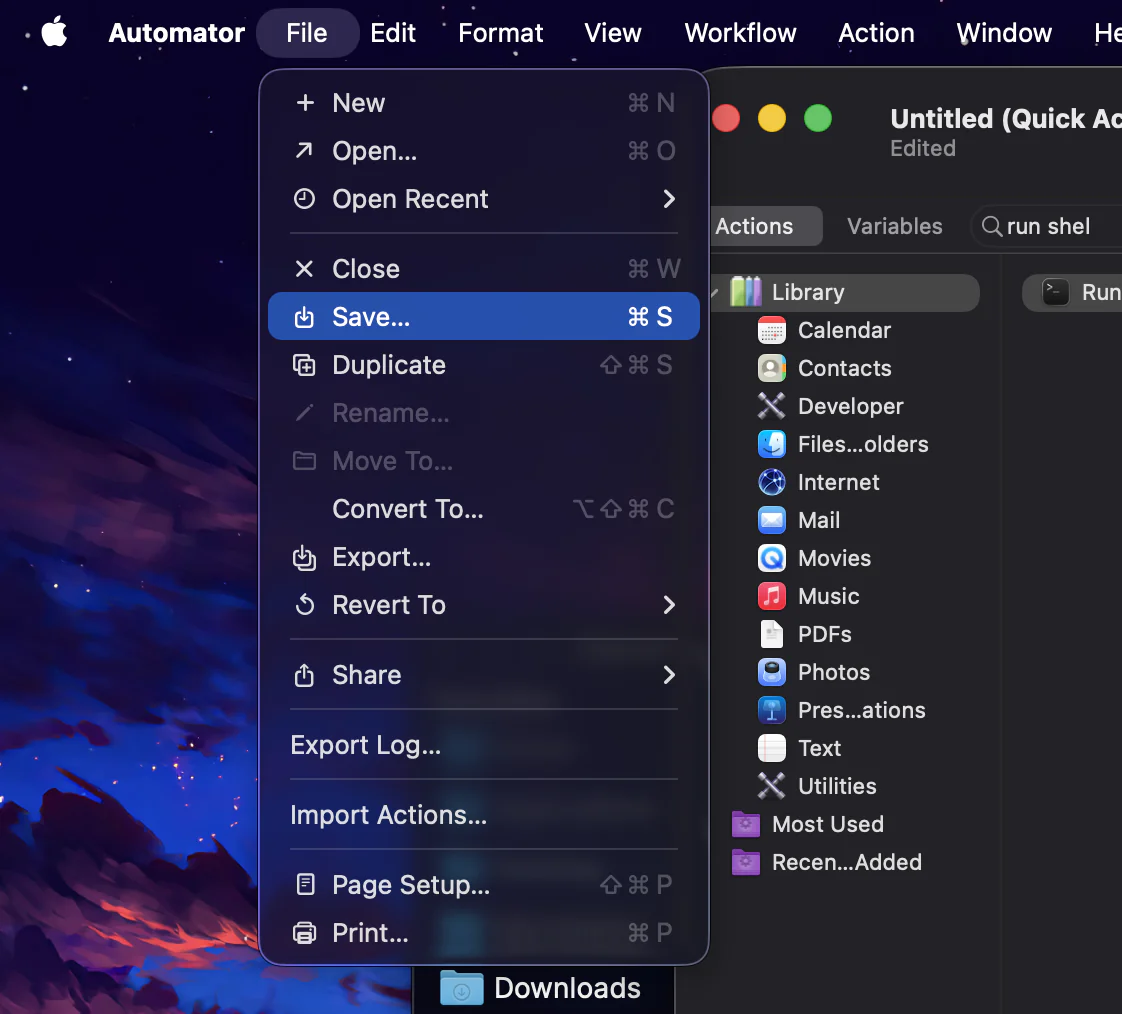
Open Automator and choose File → New → Quick Action.
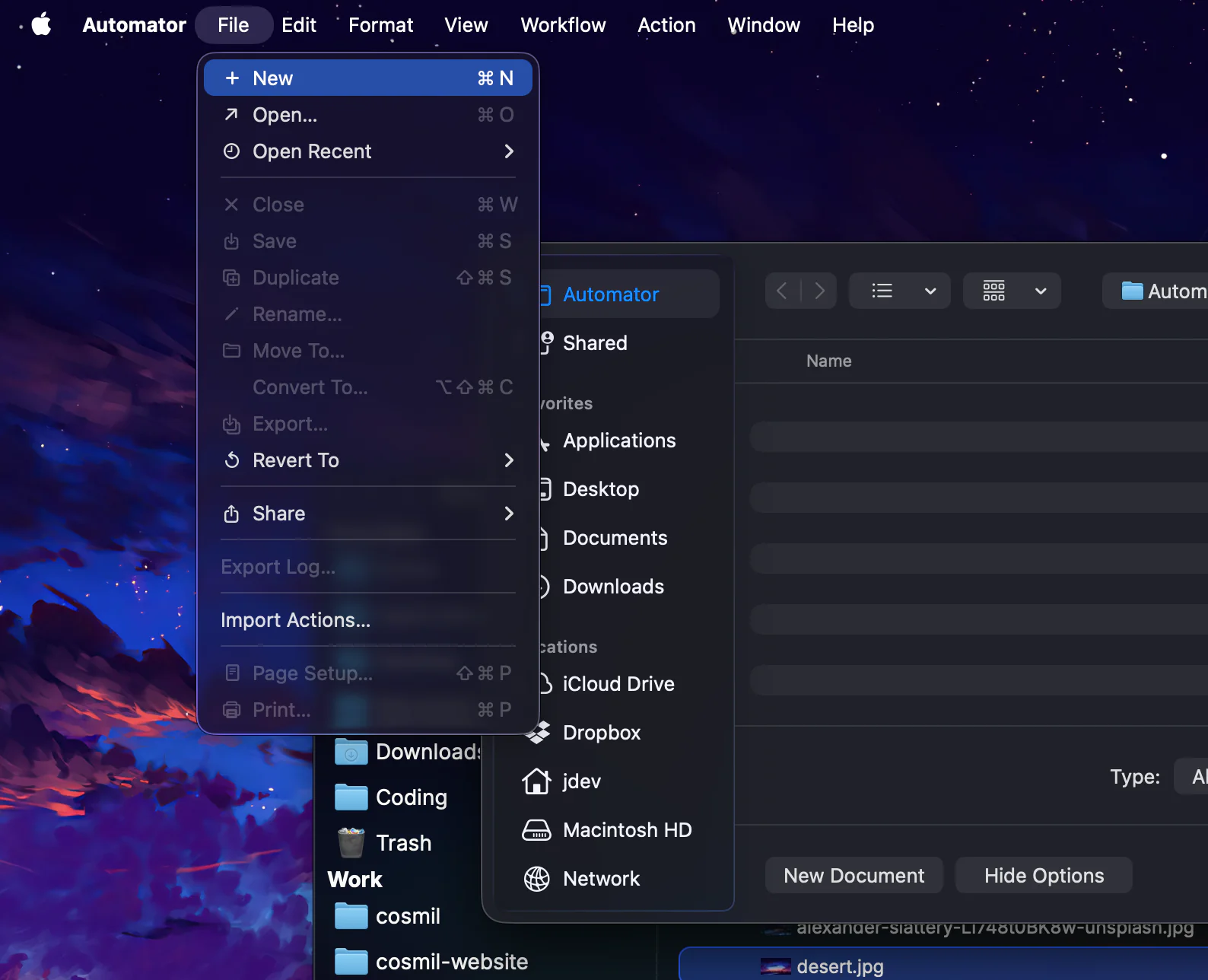
File → New 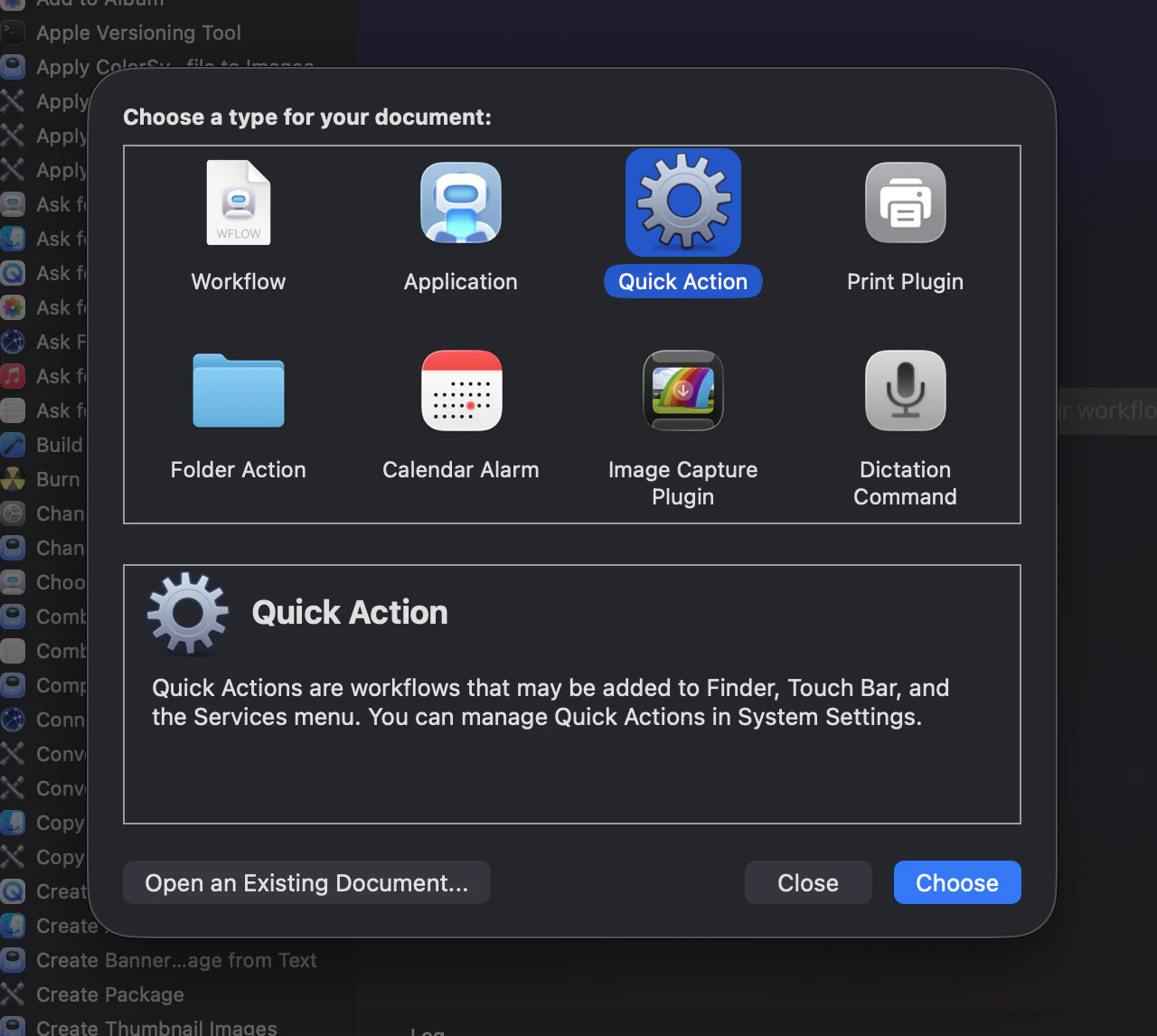
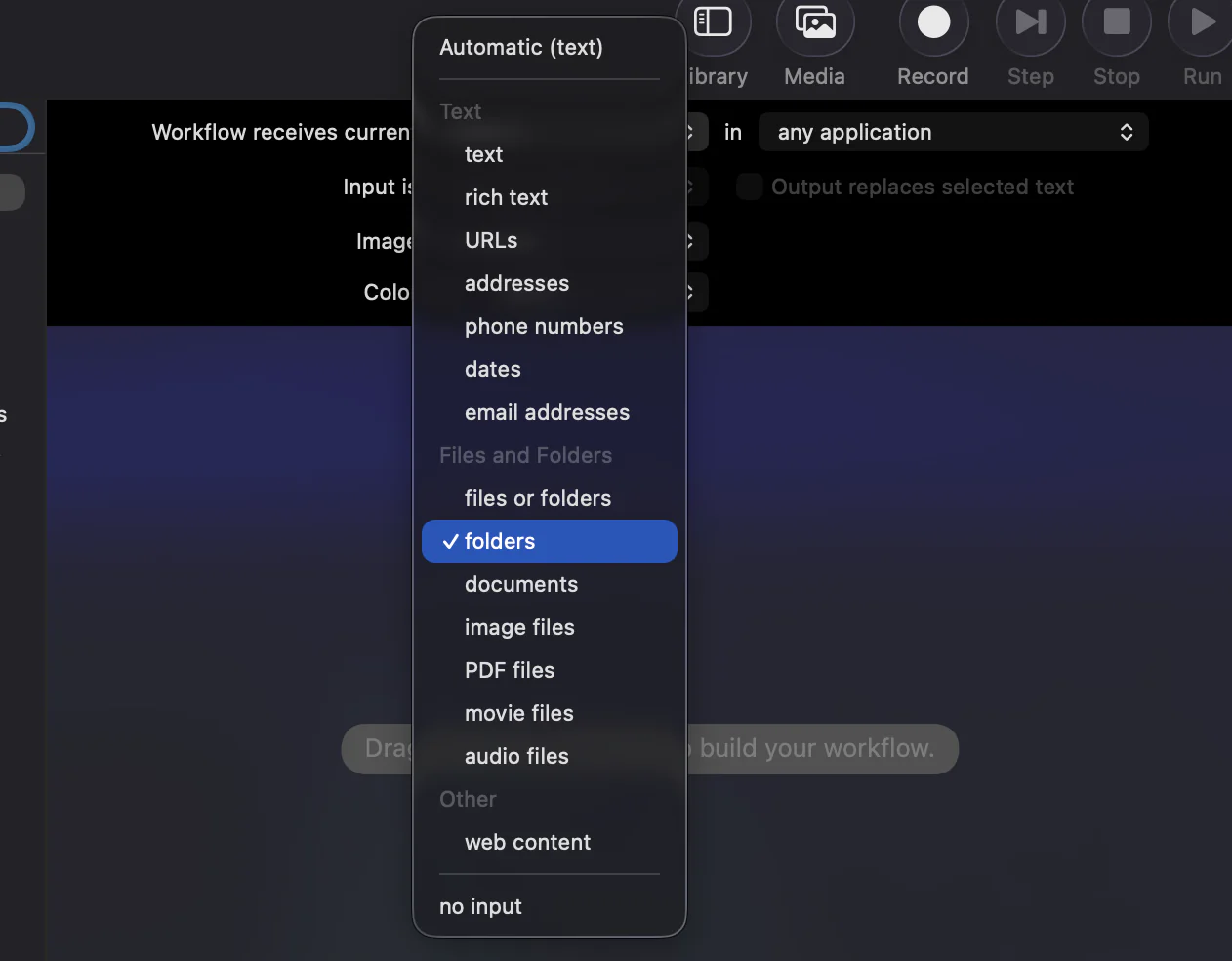
Pick Quick Action, then Choose At the top of the workflow, set "Workflow receives current" to folders in Finder.
Add a Run Shell Script action, set "Pass input" to as arguments, and replace the script with:
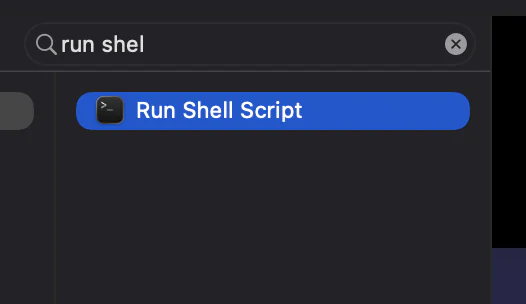
cd "$1" && touch "untitled.txt"Save it as Finder New File.
Right-click any folder and pick Quick Actions → Finder New File.
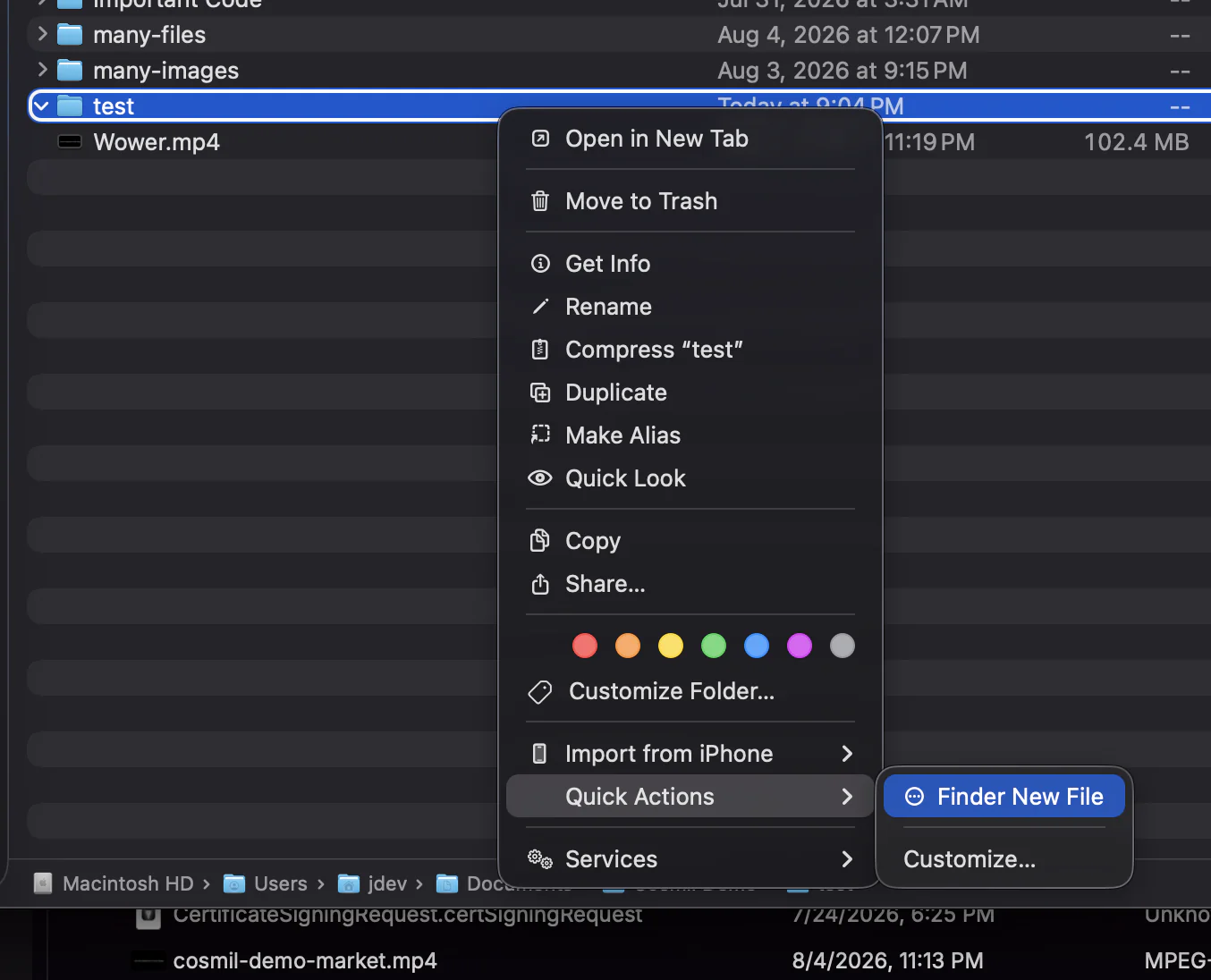
The menu item Finder was missing 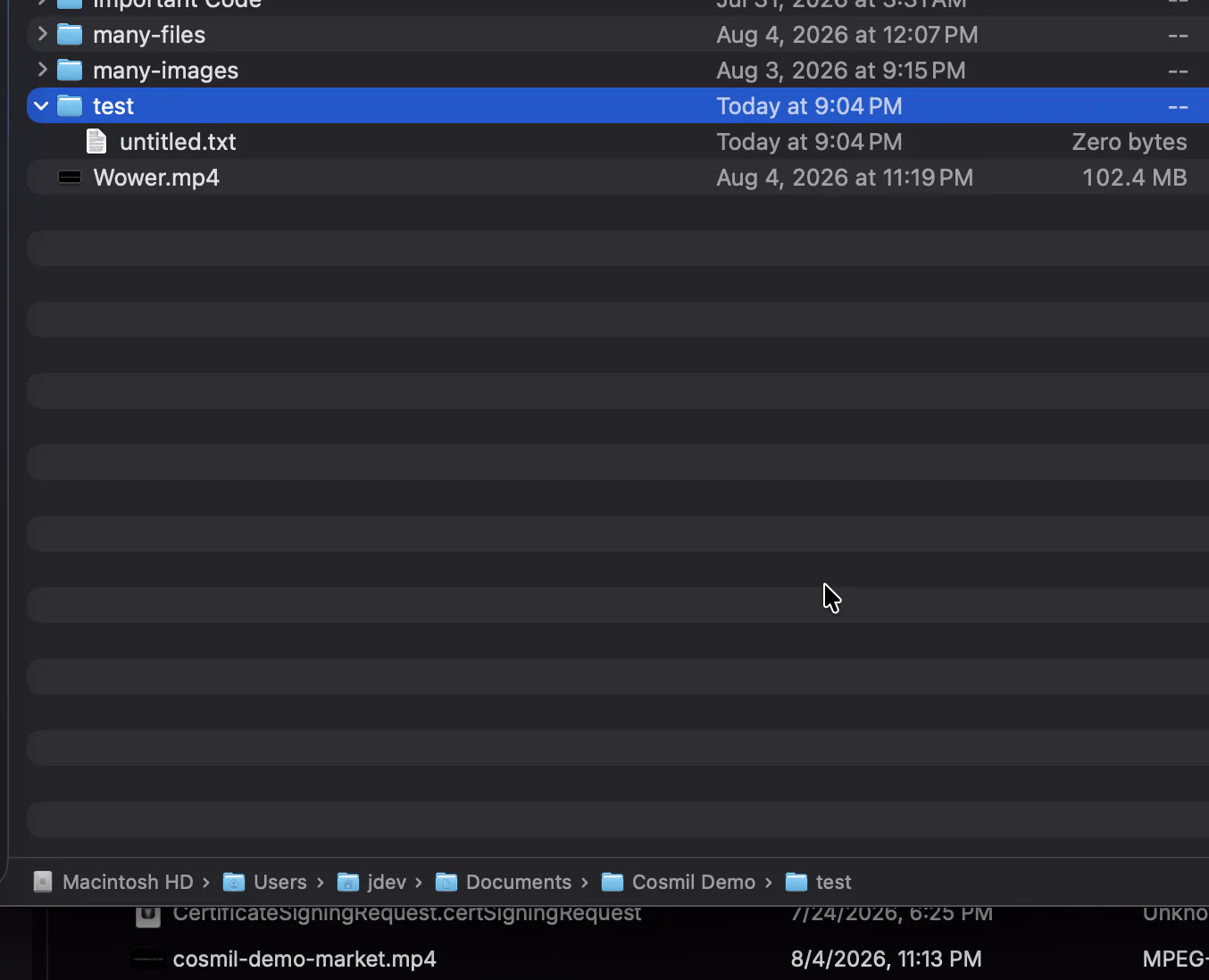
untitled.txt, created inside the folder
It works — with limits: the filename is fixed (you rename afterward), it acts on a folder you’ve selected rather than the one you’re viewing, and you’re writing AppleScript if you ever want a naming dialog.
The forgotten template feature: Stationery Pad#
macOS has carried an ancient trick since the classic Mac OS days:
- Create one file of the type you often need — say
template.md— and keep it somewhere handy. - Select it and press ⌘I to open Get Info.
- Check Stationery Pad.
From now on, double-clicking that file doesn’t open it — it instantly spawns an untitled copy and opens that. A pinned folder with a few of these is a poor man’s “New →” menu. Genuinely clever, and still a workaround for a missing menu item.
The official route: save one from an app#
This is the workflow Apple actually intends — its philosophy is that documents belong to apps, and Finder only manages them. So: open TextEdit, press ⌘N for a new document, then ⌘S and save it into the target folder.
.rtf. Press ⌘⇧T first to switch to plain text — and expect a fight if you want any extension it doesn't recognize.Five steps and an app launch for what should be one action — fine in theory, and genuinely annoying the moment you just want an empty notes.md in the folder you’re already looking at.
The keystroke Finder never got#
Notice the shape of all four workarounds: each one routes around the file manager to do something the file manager should do itself.