 Cosmil
Writing about Cosmil?
Here's everything you need — ready-to-use copy, a fact sheet, and high-resolution assets. Use them freely in articles, reviews, and videos.
Boilerplate
Quote these verbatim, trim them, or ignore them entirely.
One-liner
Cosmil is a fast, beautiful file manager for macOS — a Finder alternative with multi-pane layouts, real cut and paste, advanced search, and a translucent UI that blends into your desktop. 10-day free trial, then a one-time purchase. No subscription, no telemetry.
Full paragraph
Cosmil is an independently developed file manager for macOS, built as a full replacement for Finder. It pairs a polished, translucent interface with the features Finder never shipped: as many resizable panes as fit on your monitor, real cut and paste, multi-filter search, custom sidebar categories, a drag-and-drop dropzone for pausing file moves mid-flight, and detailed file-conflict resolution. The backend is written entirely in Rust via Tauri 2.0, so it stays fast and memory-safe. Cosmil does not collect file contents or app usage analytics; its services process technical data for trials, licensing, and updates, that's it. Cosmil offers a full-featured 10-day free trial that starts in the app, followed by a one-time purchase directly at cosmil.app.
Fact sheet
- Name
- Cosmil
- Category
- File manager / Finder alternative
- Platform
- macOS 14 Sonoma or later
- Current version
- 2.0
- First release
- 1.0 in July 2024 (private beta October 2023)
- Pricing
- One-time purchase — $16.99 (1 Mac), $24.99 (3 Macs), $38.99 (5 Macs)
- Free trial
- 10 days, starting when you click Start Free Trial in the app
- Distribution
- Direct from cosmil.app — not on the Mac App Store
- Built with
- Rust, Tauri 2, and Svelte 5
- Telemetry
- None — the app collects no usage data
- Press contact
- press@cosmil.app
Logos & screenshots
All PNGs, most with transparent backgrounds. Please don't recolor, distort, or add effects to the icon — cropping and resizing are fine.

Icon + wordmark
1254 × 385 · 113 KBApp icon with the Cosmil wordmark, transparent background.
Download PNG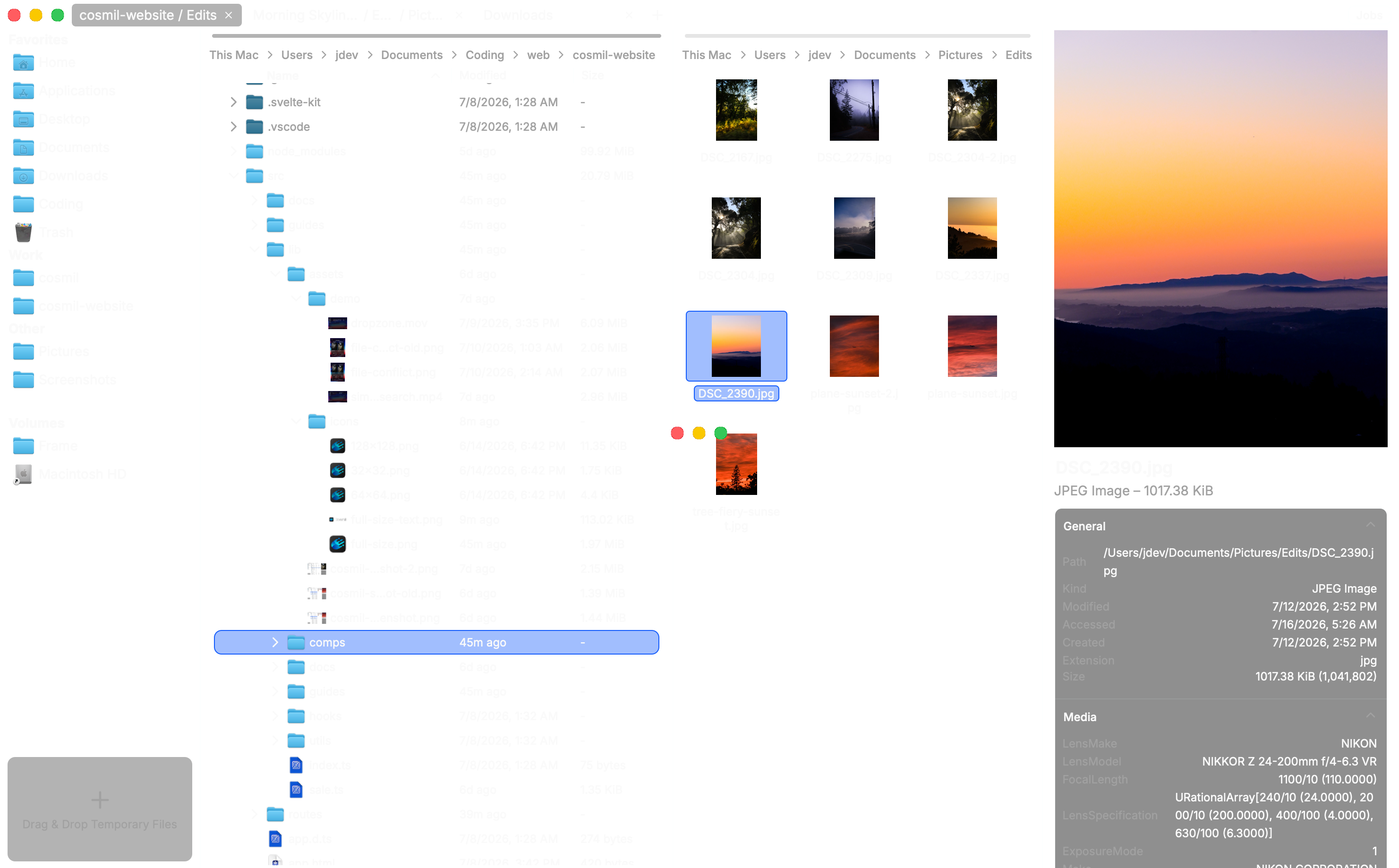
Product screenshot
2962 × 1838 · 1.5 MBCosmil's translucent main window. Transparent background — place it on anything.
Download PNG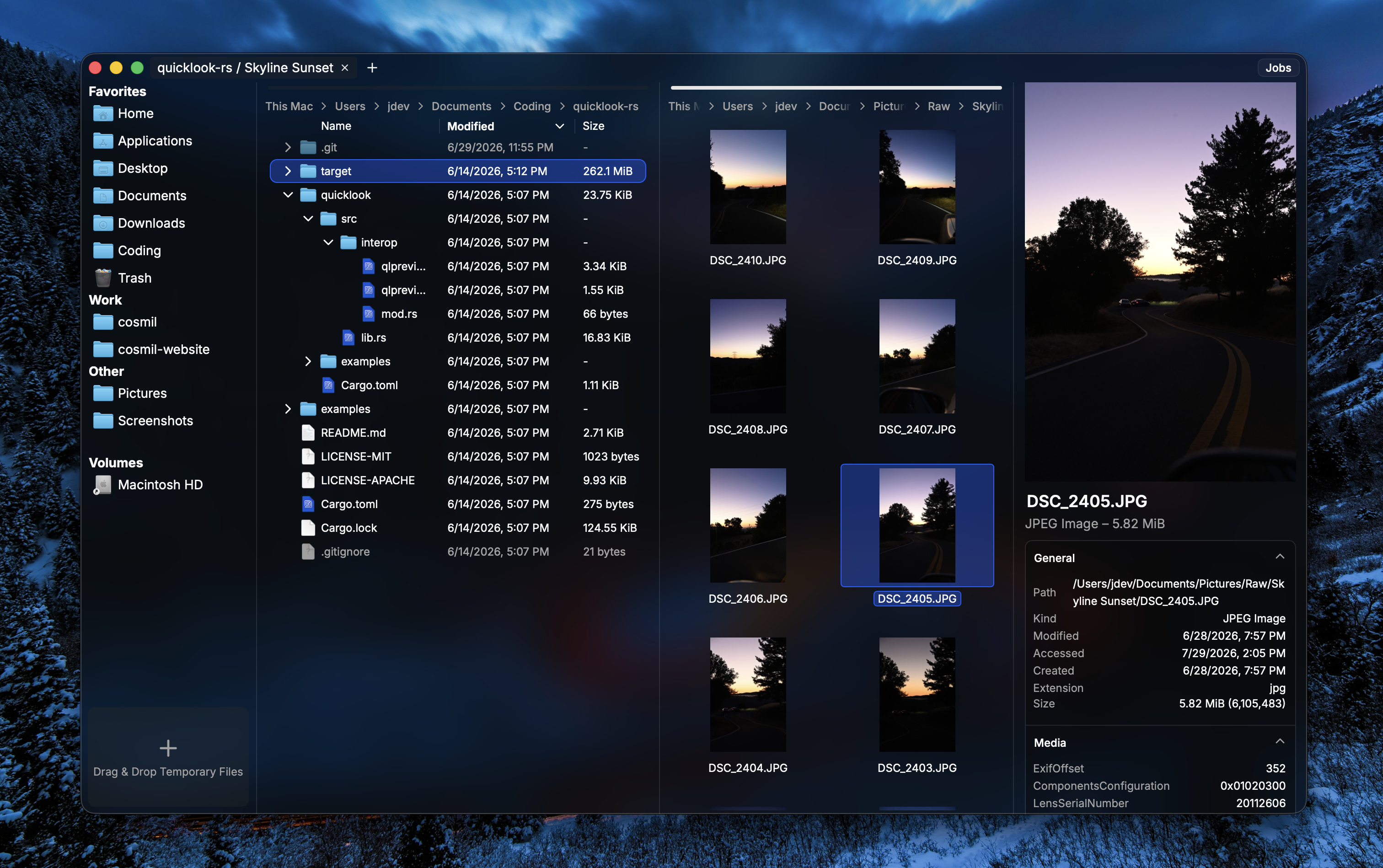
Multi-pane layout
3024 × 1898 · 5.3 MBTwo content panes and the preview pane open in one window, on a desktop background.
Download PNG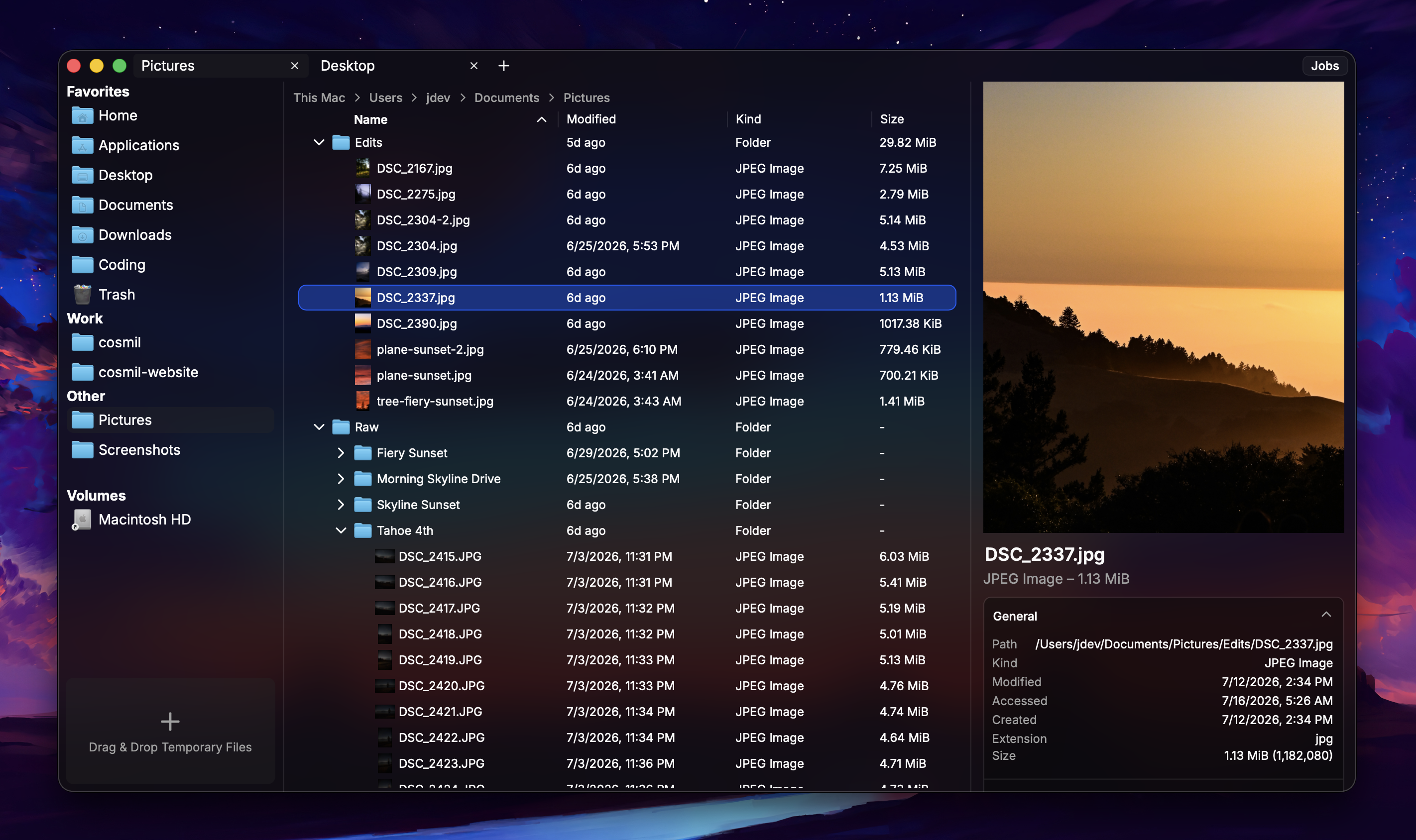
Single-pane layout
2844 × 1688 · 2.9 MBOne content pane with the preview pane open, on a desktop background.
Download PNG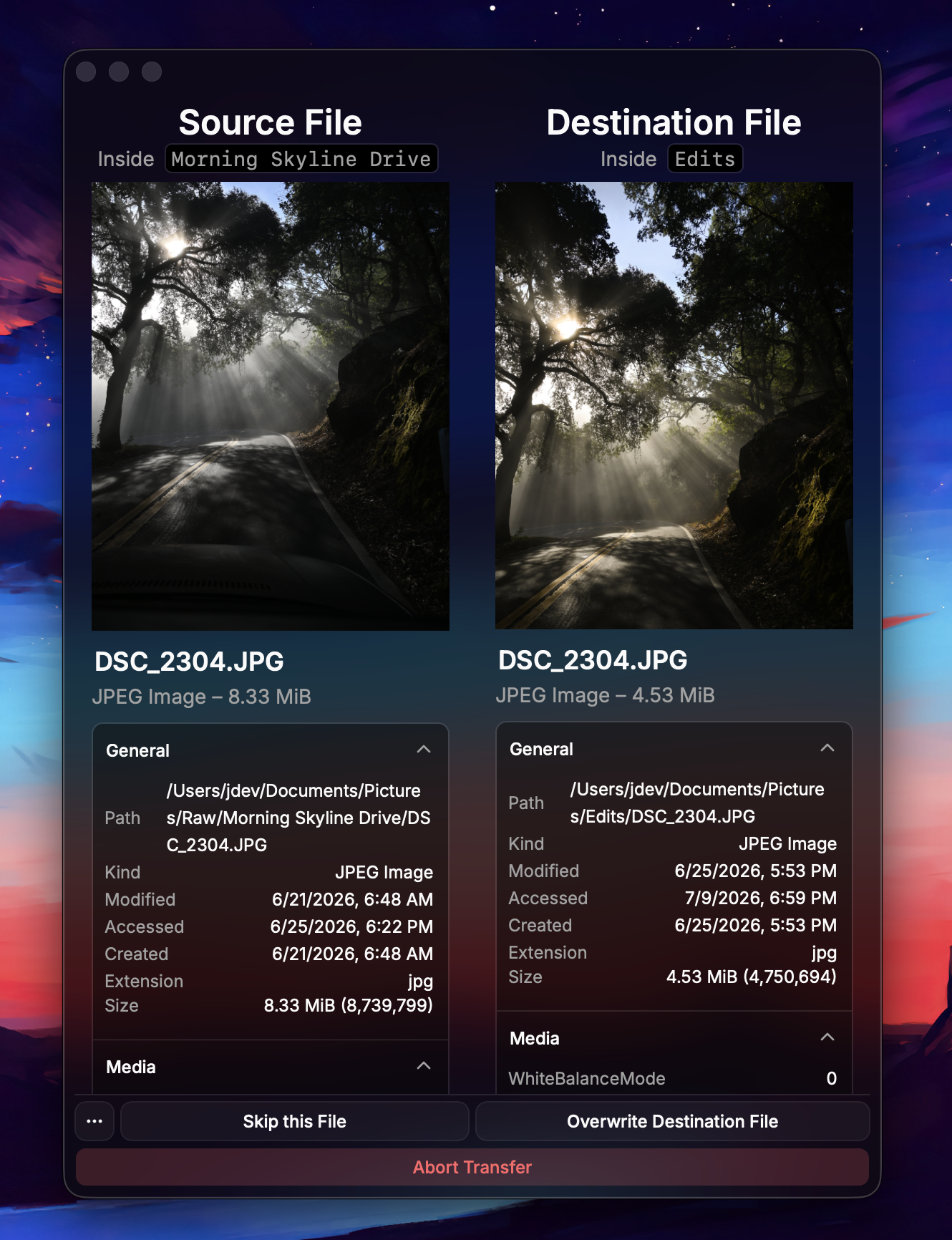
Conflict resolution
1330 × 1732 · 2.1 MBThe file-conflict dialog comparing full metadata for both sides.
Download PNG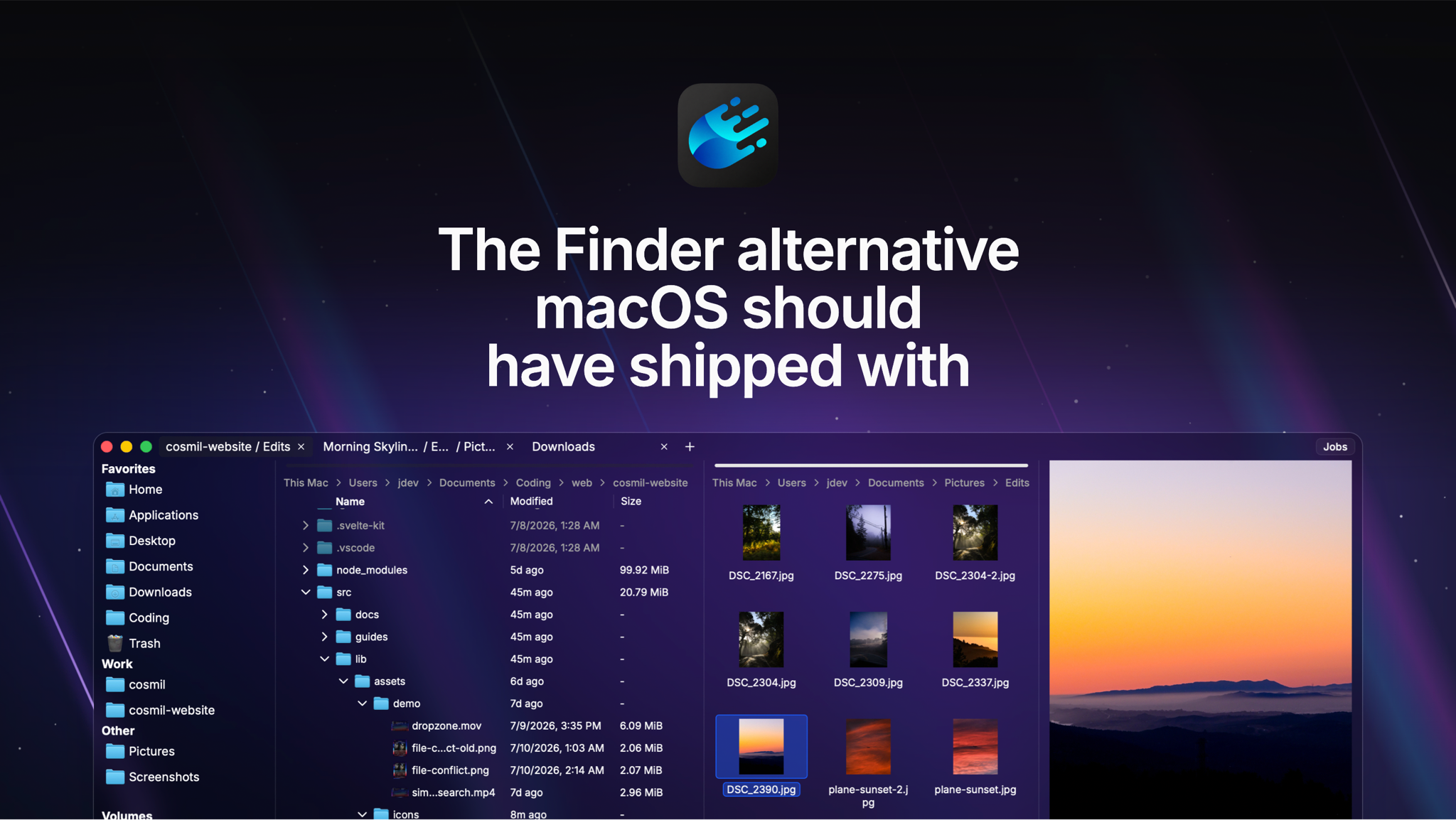
Social / hero image
2048 × 1154 · 2.2 MBThe app's Open Graph card — icon, tagline, and window. Useful as a lead image.
Download PNGGood details for a story
- Cosmil started as a private beta in October 2023 and shipped 1.0 in July 2024; version 2.0 is a near-total rework — new frontend, virtualized rendering for large directories, and native macOS file icons.
- The app is deliberately sold outside the Mac App Store: its signature window vibrancy relies on APIs the App Store doesn't allow.
- The app has no usage analytics and does not collect file contents. It contacts our services for trials, licensing, and updates. Trial checks use hashes of hardware identifiers and IP addresses to prevent abuse. See the privacy policy for details.
- Cosmil's application code is designed, written, and debugged by a person, rather than generated wholesale and shipped unexamined.
Need something else?
Review licenses, specific screenshots, an interview, or a quote — email and you'll hear back directly from the developer.
press@cosmil.app